A desktop ERP for a private school — registration to payroll, without a connection
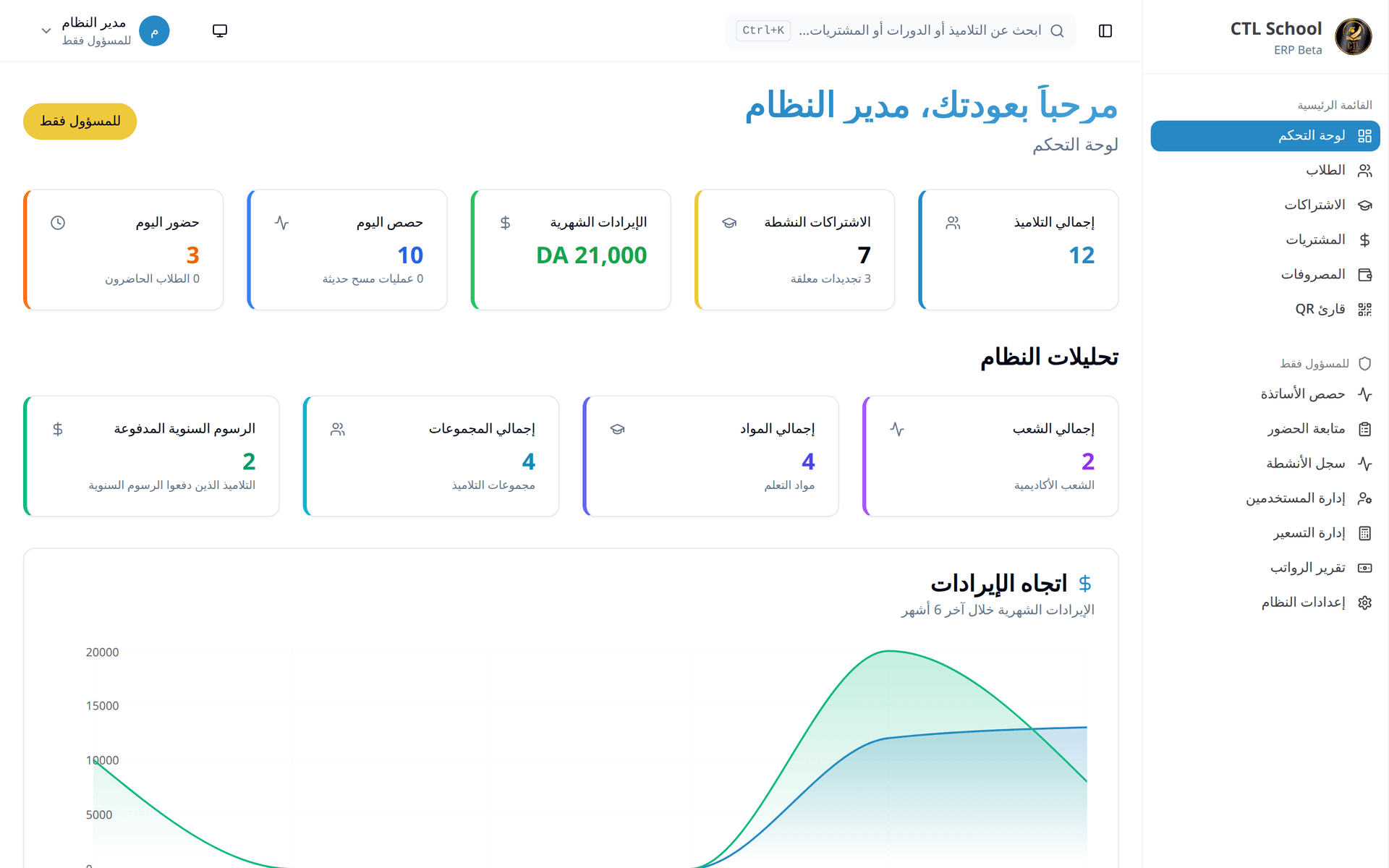
A desktop ERP for a private educational institution: student records, yearly subscriptions, QR check-in gated on fee validity, teacher sessions and purchases, in Arabic, French and English, on a local database that keeps working when the internet does not.
Related service:ERP systems
The problem
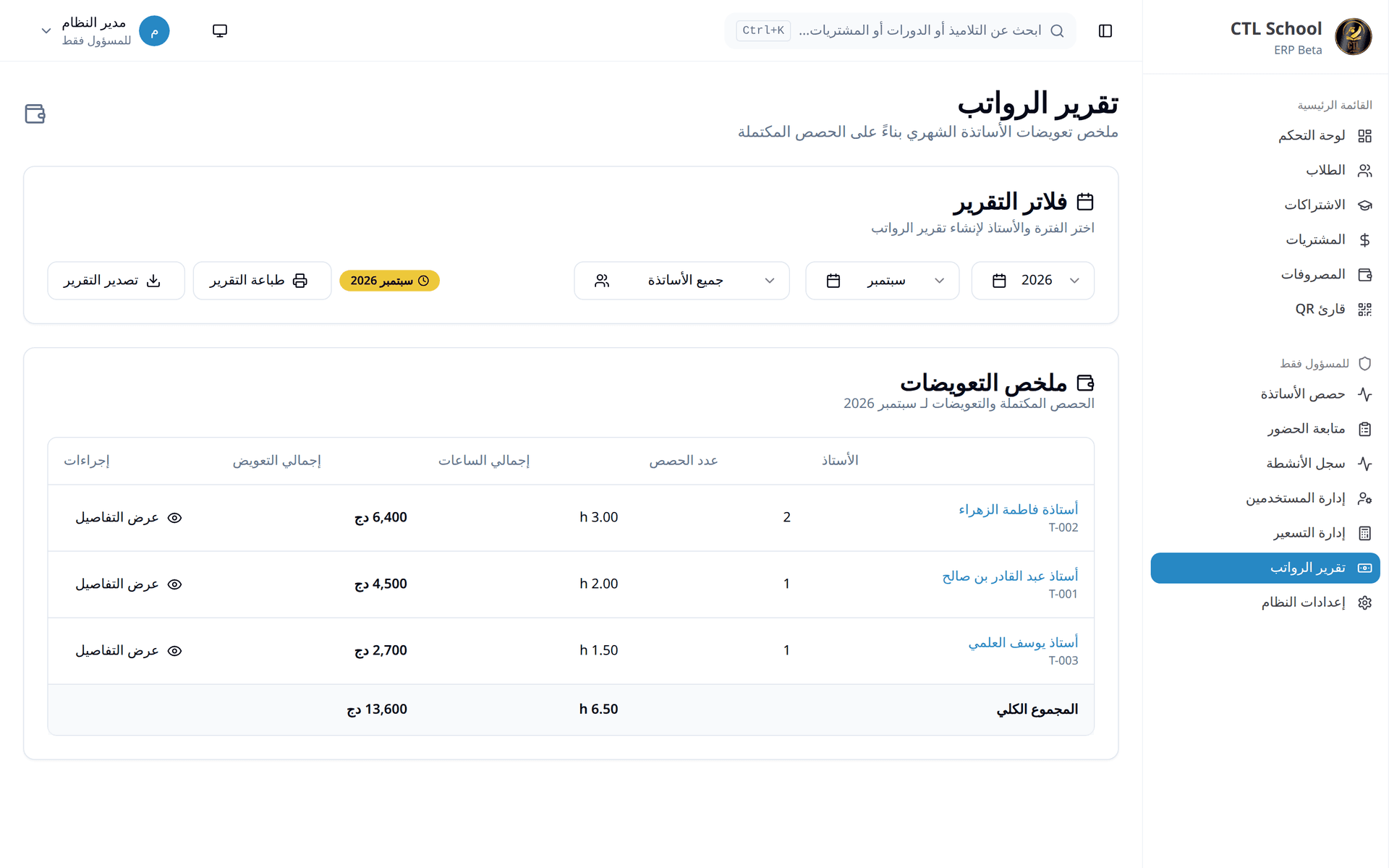
Student files lived in spreadsheets, and each department kept its own copy. Nobody could say from one screen whether a yearly subscription was still valid, attendance was taken on paper, teacher session pay had to be reconciled by hand at the end of the month, and every new school year meant re-entering the same student records again.
What we built
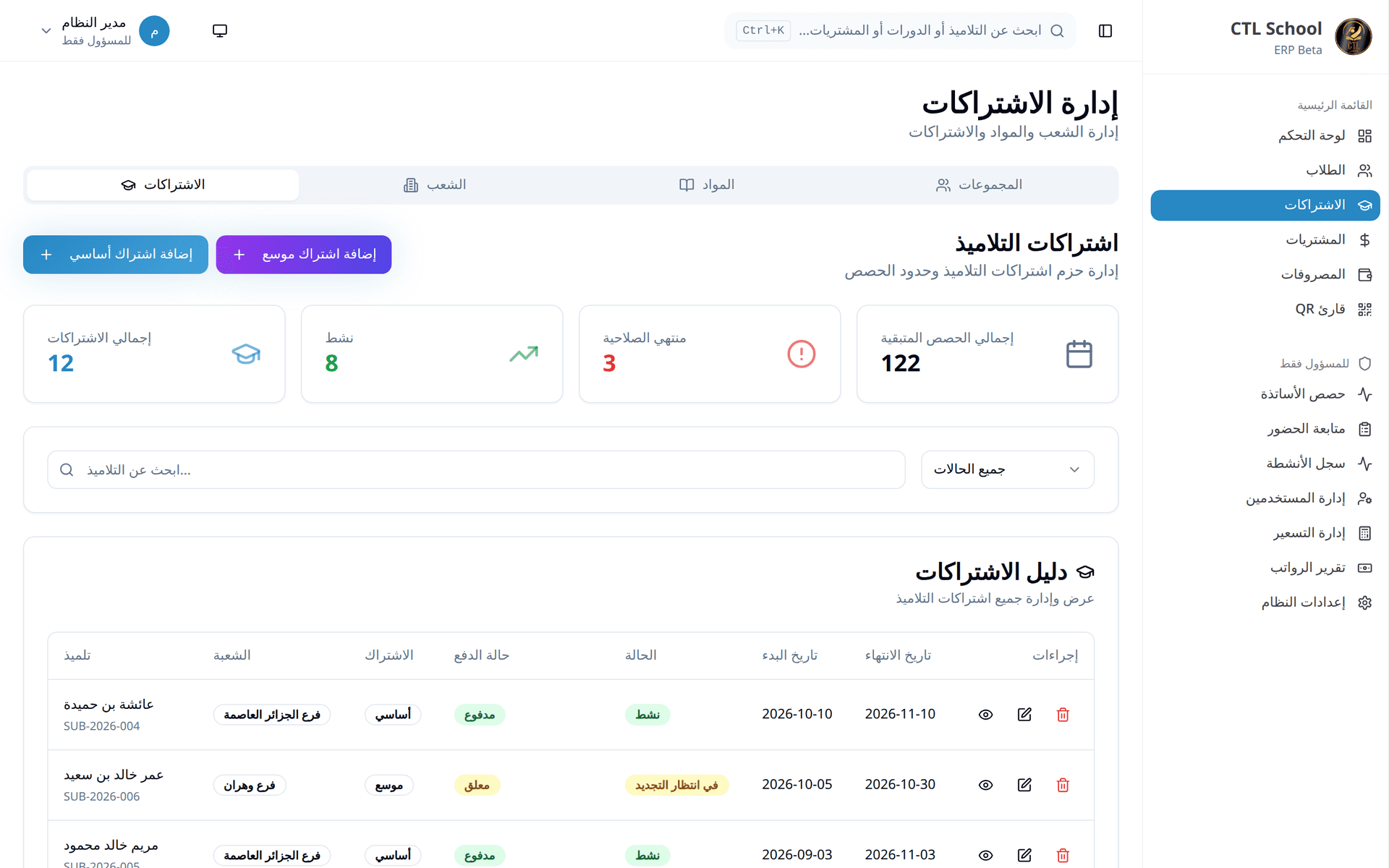
- A student record that finishes its own paperwork on creation: the yearly subscription is opened, the fundamental modules are assigned and the default groups are set, so a registration cannot stay half-done.
- QR check-in that refuses an expired yearly subscription at the door, so a lapsed fee surfaces at reception instead of at the end of the term.
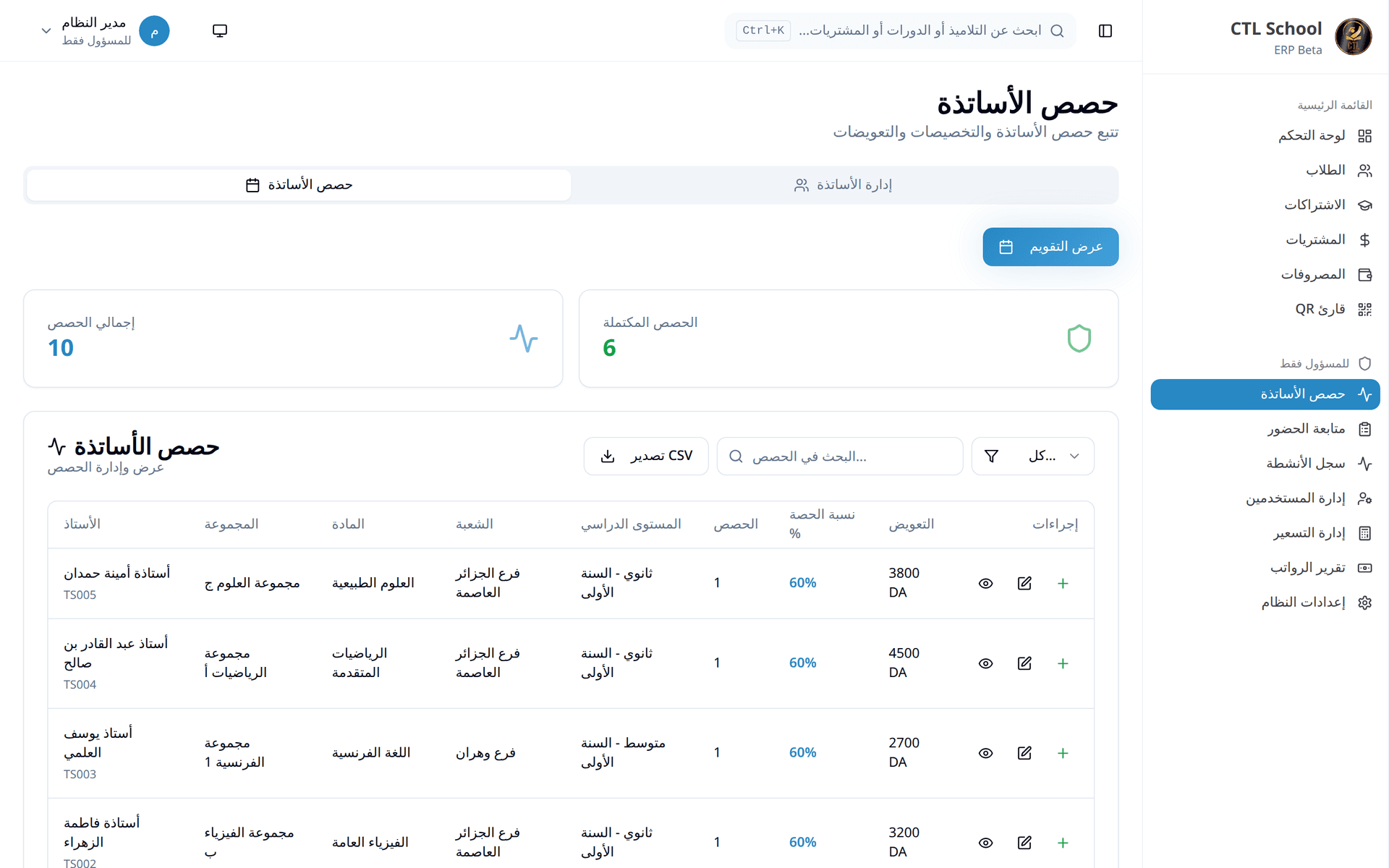
- Teacher sessions recorded per group and per date, with the pay that follows from them, so a month of teaching is a list to check rather than a calculation to redo.
- Sixteen modules on one local database — students, subscriptions, branches, groups, teacher sessions, purchases and pricing — with an audit trail of every create, update, delete and login.
- English, Arabic and French, with the document direction switched by locale: the right-to-left layout is one the screens are built for, not a translation layer added afterwards.
- Printed student ID cards generated locally through a bundled PDF service, and three ways to run the same build — in a browser, as a desktop app, or full-stack when cards have to be issued.
What changed
Registration, subscription, group assignment, QR check-in and ID issue now happen in one application on a machine inside the building. The yearly subscription is created with the student instead of after them, an expired fee stops the door rather than the term, and no part of the day waits on a connection.
Screenshots